

Co-Authored by Damian Erangey and Fabricio Bronzati
NVIDIA’s LLM Playground, part of the NeMo framework is an innovative platform for experimenting with and deploying large language models (LLMs) for various enterprise applications. It’s currently in a private, early access stage and offers the following features:
- Experimentation with LLMs: The Playground provides an environment to use and experiment with large language models, including small, medium, and large models (up to 530 billion parameters), catering to diverse business needs.
- Customization of Pre-Trained LLMs: It allows customization of pre-trained large language models using p-tuning techniques for domain-specific use cases or tasks.
- Experiment with a RAG pipeline
- Flexible Deployment: Users have the ability to deploy large language models on-premises or in the cloud, experiment via the Playground, or utilize the service’s customization or inference APIs. In this case we are focusing on an on-prem deployment.
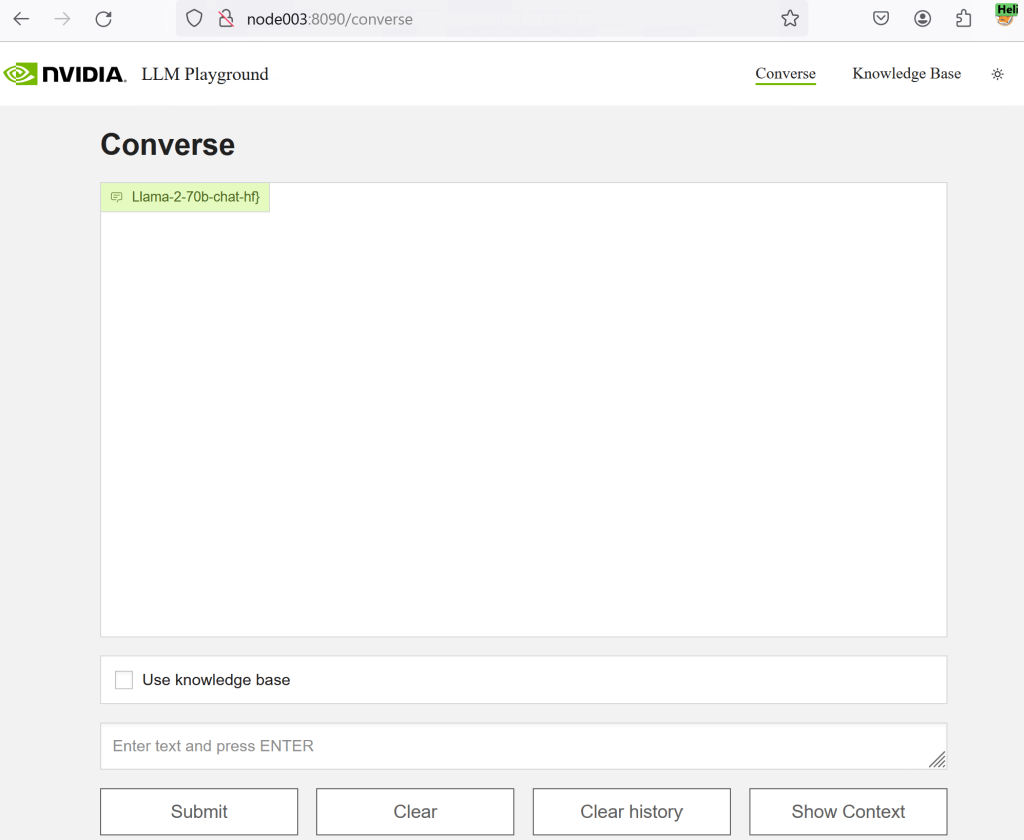
Fabricio Bronzati from Dell’s integrated solutions engineering team has taken the time to demo Llama2 running on nvidia LLM playground on an XE9680 with 8x H100 GPU’s. LLM playground is backed by nvidia’s Triton Inference server (which hosts the llama model).
Access to this service requires membership in the NVIDIA developer program and an application process currently. We’ll provide more detailed setup instructions in an upcoming blog – for now lets just show it in action !
NVIDIA Triton Inference Server is a solution designed to simplify the deployment of AI models at scale in production. This server is part of NVIDIA’s suite of tools for AI and deep learning, and it offers several key features:
One of the ways you can interact with the NVIDIA Triton Inference Server is via HTTP APIs:
You can use these APIs to send inference requests to the server from your applications. This is a common method for integrating Triton into existing systems and services.
The LLM playground utilizes several containers to provide you with a sample chatbot web application. Requests to the chat system are wrapped in FastAPI calls to nvidias Triton Inference server.
We’ve covered inference sizing in a previous post here
however to “make real” what going on under the hood the video below also covers real-time GPU monitoring via nvidia-smi
NVIDIA’s System Management Interface (nvidia-smi) is a command-line utility designed for managing and monitoring NVIDIA GPU devices. It’s based on the NVIDIA Management Library (NVML) and is included with NVIDIA GPU display drivers on Linux, as well supported windows systems.
Key features and capabilities of nvidia-smi include:
- Querying GPU Device State: Administrators can use nvidia-smi to query the state of GPU devices, including details such as GPU usage, temperature, memory usage, and power usage.
- Modifying GPU Device State: With the appropriate privileges, administrators can also modify the state of GPU devices.
- Compatibility: nvidia-smi supports a wide range of NVIDIA GPUs, particularly those released since 2011. This includes Tesla, Quadro, and GeForce devices from Fermi and higher architecture families (Kepler, Maxwell, Pascal, Volta, etc.).
- Monitoring and Management Features: The utility allows for real-time monitoring and management of various GPU parameters, which is crucial for maintaining the health and performance of the GPUs. This includes GPU Boost management and system/GPU topology queries.
- Usage and Commands: Commands like
nvidia-smi -Lcan list all available NVIDIA devices, whilenvidia-smi --query-gpu=index,name,uuid,serial --format=csvcan provide specific details about each GPU. Commands likenvidia-smi dmonandnvidia-smi pmonare used to monitor overall and per-process GPU usage, respectively.
There is also a playground on NGC that anyone can run the same commands for free without any installation requirement https://catalog.ngc.nvidia.com/orgs/nvidia/teams/ai-foundation/models/nv-llama2-70b-rlhf
 All things Unstructured Data
Leave a comment